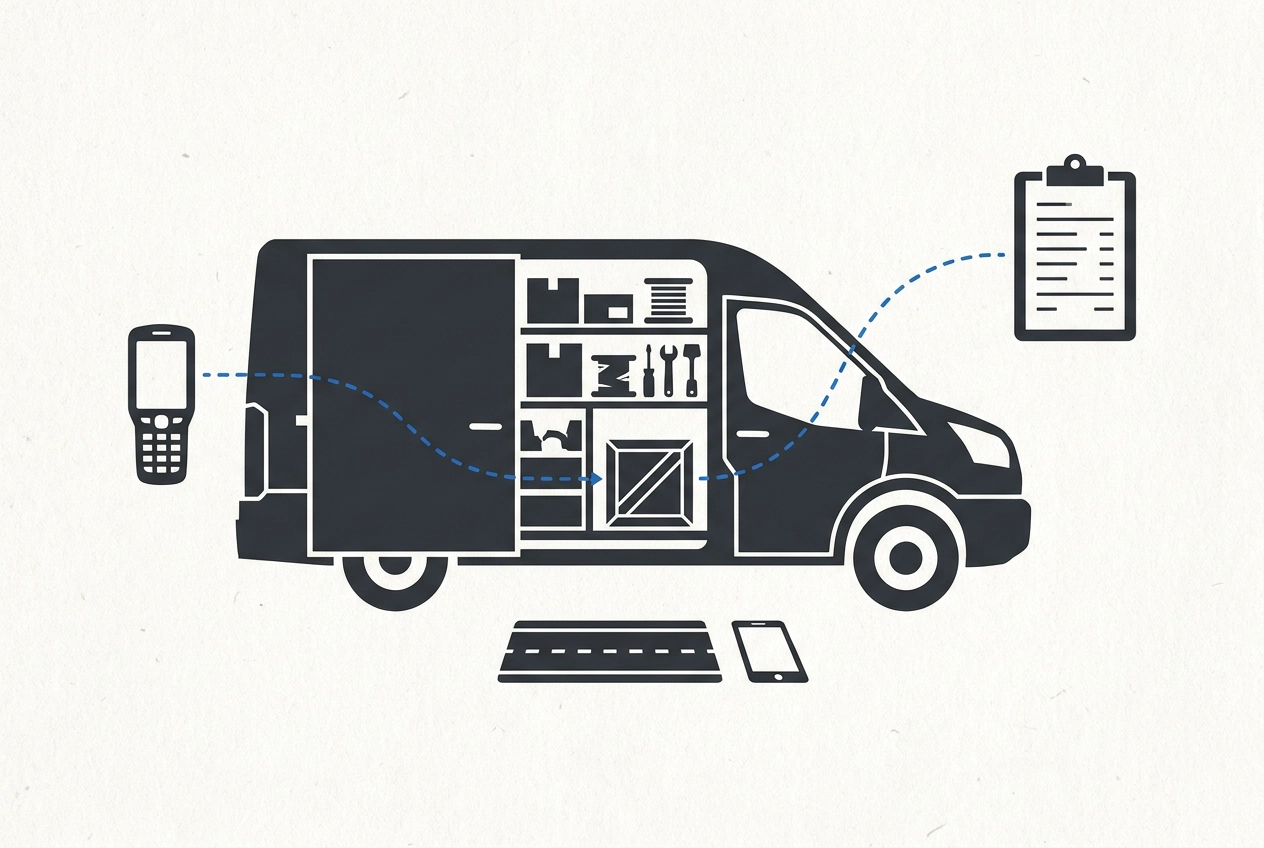
Your truck is not a storage closet. It is the warehouse that hits the road every morning, and your trailer and job boxes are the overflow aisles. That is why the count never stays right for long. Material leaves the shelf, rides to a site, gets used, and the spreadsheet keeps insisting it is still there. If you have been looking for inventory tracking systems for small businesses that actually fit a trade shop, the answer is less about software and more about a rule your crew will follow. In this post, we will walk through why the count never holds still, what you need before any of this works, and three practical steps: set a minimum level for every truck, trailer, and job box; use one reorder rule triggered at the line; and write material to the job when it comes off the shelf. We will also cover why that one entry can fix both the count and the job cost, what to do when someone forgets, where a system fits once the rule holds, and why rule comes first, then the tool.
Your Truck Is Your Warehouse, So the Count Never Holds Still
Parts and material in a trade business live in three places: a shelf at the shop, a truck or trailer, and a job box sitting on an active site.
Most spreadsheets only ever know about one of them. That is why the numbers look reasonable in the office and wrong in the field.
Counting more often will not fix it. The count is stale the moment a truck pulls out. By noon that truck can be three jobs away from the shop, with parts moving in and out at every stop.
That is not a discipline failure on your part. It is what happens when stock travels with the work instead of sitting still in a stockroom. Structure problem, not character problem.
In about thirty years of process and Lean work in manufacturing and small shops, the ones that stayed accurate were rarely the ones counting the most. They followed one simple rule every time. The same pattern shows up in trade and service businesses.
The rest of this piece gives you three moves: a minimum level for every truck, trailer, and job box, one reorder rule that triggers at the line, and material written to the job the moment it comes off the shelf.
All three ride along with work your crew already does. Nobody learns a new process or stops mid job for paperwork.
What You Need Before Any of This Works
Before the rules do any good, line up six things. None cost money.
A list of every truck, trailer, and job box, using the names people actually say. If the crew calls it the white F-250 or trailer 2, write that down. A label nobody repeats at six in the morning will not get used.
A rough parts list per vehicle, ten to twenty items: fittings, fasteners, wire, filters, sealant, blades, whatever gets grabbed mid-job. Not the full catalog, and it should not be.
One person who owns the rule. Not a committee, and not automatically you if you are on jobs all day. It needs to be someone who sees the shelf often.
A minimum level per item, set with the crew, not for them. Whoever drives that truck knows how much of a part disappears in a normal week, which beats guessing from the office.
One place the number gets written. A shelf tag, a mark on the job box lid, a whiteboard, or a small business inventory tracking app. The format matters less than having exactly one place to look.
A willingness to start small. One truck and ten parts tracked honestly teach you more in a month than two hundred items nobody keeps up with. That is the same thinking behind what you need before you start a post-job review.
Get those in place, and the next three steps take about an hour.
Step 1: Set a Minimum Level for Every Truck, Trailer, and Job Box
With the trucks and parts listed, set the first number: a minimum level. Use words the crew will repeat back correctly: the point where someone stops and says we need more of this before we start the next job. It is a trigger, not a target and not a maximum.
Set the number from real use. Ask whoever drives the truck how much of that part goes in a normal week, then set the minimum to cover the scheduled jobs until the next trip to the shop.
Keep it per vehicle, not per company. Two trucks running different work carry different parts and need different minimums. One shared number across the fleet is why counts never match reality.
Write the minimum where it gets read: on the shelf, in the bin, or on the job box lid. A number in an office file won't get checked while someone loads a truck.
Revisit it as the work mix changes. A level set during a busy stretch is too high when things slow; one set in a slow month leaves crews short when things pick up.
Expect to be off at first. A minimum is a starting line you tune, not a precise figure worth arguing over before you have data. Pulls written down sharpen it fastest, and knowing the data to track and when to track it starts there.
Step 2: One Reorder Rule, Triggered at the Line
With minimums marked on the shelf, this next step is smaller than the first: if it is at the minimum, it goes on the list. That is the entire rule. No categories, no approval chain, no standing at the shelf deciding whether the bin is really low. That is establishing pull and ordering from what is confirmed, not what you guess in its simplest form.
Trigger it at the line. When stock drops to the minimum mark, it goes on the list along with which truck or job box it came from. Waiting until the end of the day means the day wins.
Use one list in one place. A shared note, a group text, a pad by the shop door. Two lists means either double ordering or an order that never gets placed.
Give one person the job of placing the order, and pick the day. Friday morning, for example. A rule with no owner turns into a list of things everyone meant to buy. When the rule holds, emergency runs stop being normal. You stop losing a man for an hour to drive across town for a twelve dollar fitting.
Step 3: Write the Material to the Job When It Comes Off the Shelf
The reorder rule keeps the shelf from running dry. This habit keeps the numbers honest: material leaves the shop or leaves a truck for a job, and it gets written to that job in the same motion. Not at the end of the week, not at invoicing time, not from memory.
Ten seconds, three fields: job name, part, quantity. Every extra field is one more reason the habit breaks on a busy afternoon, and busy afternoons are most afternoons.
Where you write it hardly matters. A job ticket, a note on your phone tied to the job, or the job page in a job costing system like crew&cost. The rule is same motion, not same tool. It is the same shift toward information that moves on its own that shows up once a shop stops re-entering things by hand.
Truck stock counts too. A fitting that was already riding on the F-250 is still material the job consumed. Leave those pulls out and truck stock quietly disappears from the count.
Tell the crew why it matters: one line lowers the on-hand count and raises the job cost at the same time. Shelf and job, both corrected at once.
The failure to avoid is writing pulls later from memory. That is guesswork, and a guessed cost is worse than no cost. It looks like real information when you bid the next job.
Why One Entry Fixes Both the Count and the Job Cost
Here's why that one habit carries so much weight. A part leaves the shelf once, so one record should do two jobs. In most shops it doesn't: somebody writes it to the job and forgets the shelf, or updates the shelf and never touches the job. That split is why the two sets of numbers never agree.
Written at the pull, job cost becomes real instead of a guess. That history is what turns bidding from a feeling into arithmetic, which is the idea behind smart bidding in crew&cost, where new bids are informed by the real labor and cost history from past jobs. See What Tracking Real Cost Data Per Job Actually Looks Like for the full picture.
On the count side, every written pull lowers what should be on the truck or shelf. Accuracy stops being a day on the calendar and becomes a byproduct of normal work.
Counting more often loses because a count tells you something is missing but never why. The written pull tells you why, item by item, tied to the job that took it.
Accurate enough for a trade shop means knowing you have roughly a week of fittings on the truck, not that you have exactly thirty four. Set the bar at decision useful. That is the bar people maintain.
When Someone Forgets, and Keeping This From Becoming Another Form
The first few weeks will have gaps. Expect them. The test isn't whether the rule ever breaks, it's whether it comes back the next day without you chasing it. A new routine can take longer to feel automatic than you expect, so don't read a missed entry as a failed system.
Make writing it up easier than explaining why it was skipped. Ten seconds at the shelf beats a form with part numbers and a lookup.
Attach the habit to something already happening. Put the material line on the same ticket as the labor hours: one piece of paper, one motion, not two chores.
Spot check, don't audit. Walk one truck against its tag once a week, correct the number, and move on. Five minutes at the shop, not an inventory day with clipboards. Small gaps caught early are why manual tracking falls apart at the worst possible moment.
If one person keeps skipping it, look at the rule before you look at the person. A minimum set too high, or an entry that takes two minutes, gets ignored no matter who's asked.
Once the habit holds on paper, moving it into inventory tracking software for a small business is a straight swap of one place for another, not a rebuild of how the shop works.
Where a System Fits, After the Rule Holds
When the habit stops needing you to prop it up, that is your signal. The reorder list gets used without reminders. Material lines show up on most job tickets. The crew starts asking what the count is instead of telling you.
That is when a tool earns its place, not before. Software on a broken rule only speeds up wrong numbers.
When you shop inventory tracking systems for small businesses, look for four things:
One place for shop, truck, and job box stock
A reorder point per vehicle
Material you can attach to a job the moment it is pulled
No separate reconciliation ritual bolted on every month
1Site2See does this work when you are ready. crew&cost covers job costing, bids, invoices, and crew and license tracking. Custom Builds covers inventory and product tracking configured around how your shop already works, and connects tools you already use so information stops getting typed twice. If your shop still lives in spreadsheets and texts, start there first.
crew&cost and Custom Builds put shop, truck, and office on the same record so numbers stop drifting by Friday.
Keep the test simple. If the tool adds steps your crew will not do, it is the wrong tool, whatever it reports or costs per month.
Rule First, Then the Tool
The three moves in this post, minimums, the reorder line, and writing the pull, need no scanner, no count day, and no new hire.
Your move this week: pick one truck, list ten parts, and set the minimums with whoever drives it. Start writing pulls to jobs as they happen, then tune the numbers after a month.
If you want a hand setting the rule, or moving it into a system once it holds, that is what 1Site2See does. Process first, software second.
Conclusion
The dual-entry fix, one pull written at the shelf that lowers truck stock and raises job cost at the same time, is what turns accuracy into a byproduct of normal work instead of a project on the calendar. Make the rule real, and the numbers will follow.