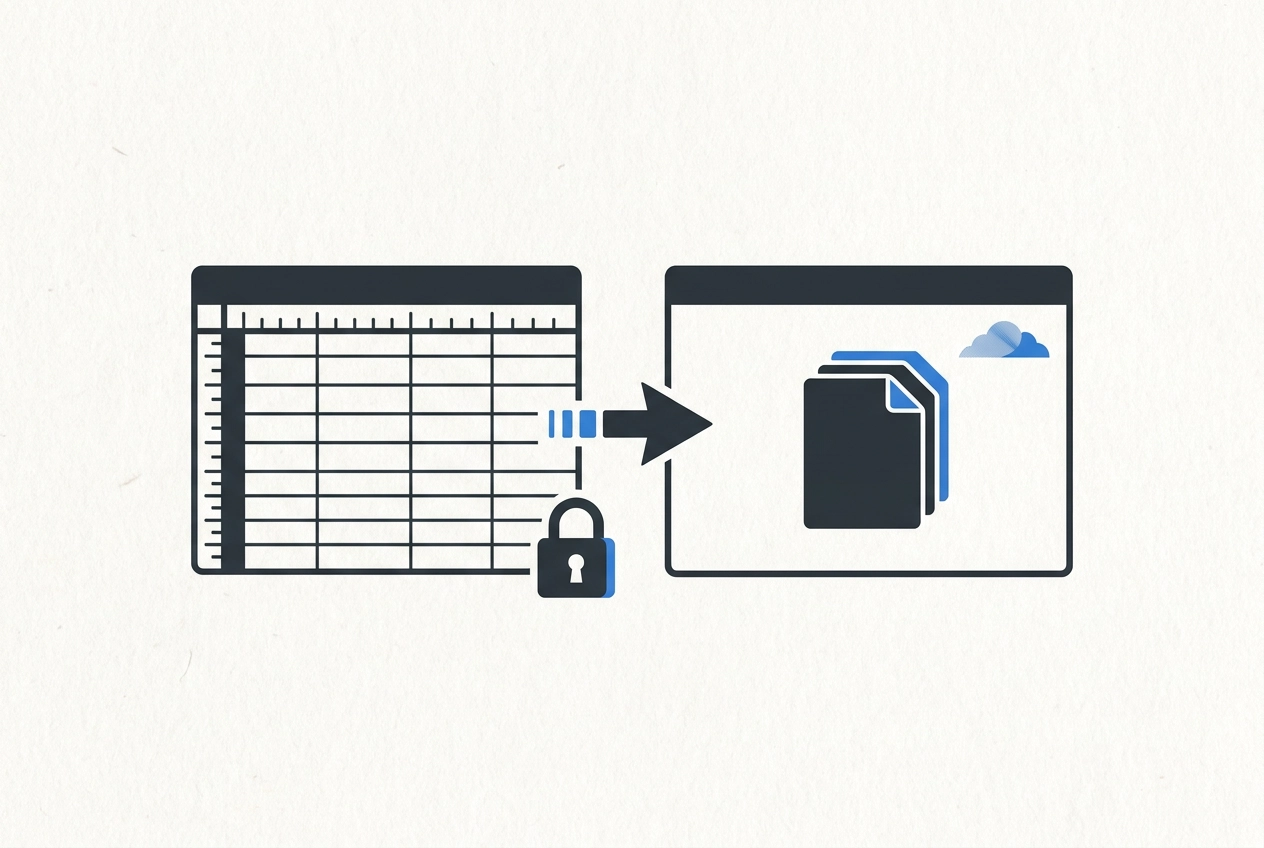
Spreadsheets are not the enemy. The riskiest part of leaving one is not picking the new tool. It is the first week after you pick it. A switch can start to wobble when everything gets moved at once and nobody fully trusts the new system yet. So the old sheet stays open. New jobs get entered twice. Within days, the shop drifts back to the file it knows.
This post is not about choosing software. It is about what moves first after you have made the choice. We will cover why the first week decides whether the switch holds, three things to settle before you move anything, and a simple order of operations. New jobs and their costs cross first. Open jobs cross before finished jobs. The old sheet goes read-only. Your history stays where it is until someone actually asks for it. Running both side by side is not caution; it is exactly the double entry you are trying to leave behind.
You will also learn the rule that holds it together, how to tell when double entry has crept back in, what a finished move looks like after two weeks, and the full two week order from start to finish.
Why the First Week Decides Whether the Switch Holds
The drift is predictable: the sheet stays open, an entry slips in, and it becomes the real record again.
That risk is documented and mostly ignored. Powell, Baker, and Lawson (2008) found errors are widely accepted as common in operational spreadsheets, and that spreadsheets are somewhat ignored, both as assets and as sources of risk. The cost isn't small either. Experian's 2019 global data management survey found 95% of respondents had seen bad data undermine their business's performance, and IBM estimated U.S. bad-data costs at $3.1 trillion a year (2016).
Start with the duplication itself, the same information living in more than one place. That is where the drift begins.
But none of those numbers explains why switches fail, because switches fail on sequencing. The software is usually fine. The order of the move is not.
Before You Move Anything: Three Things to Settle First
The sequence starts here. Settle three things before anyone types in the new system.
1. Pick the one record type that crosses first. For most trade and service shops, that's new jobs and their costs: labor hours, materials, and the invoice tied to each job. Not inventory. Not intake. One thing.
2. Decide who enters what, and where. One person, one place. If two people keep two tools "for safety," you have two records, which is where you started. This is a process fix, not a software purchase.
3. Name the cutover date. Write it down. "When we're ready" is not a date, and without one the spreadsheet stays alive by default.
Then two housekeeping moves:
Freeze a dated copy of the spreadsheet exactly as it stands, so nobody's tempted to fix just one thing in a file that's supposed to be closed.
Sort out what an old record is actually worth. If nobody has asked about a job from two years ago in the last year, it can wait in the archive. History is not urgent by definition. Confirm retention rules with your accountant before deleting anything.
Move One: New Jobs and Their Costs Cross First
Start with the jobs that are open right now, not the ones you finished last year. Open jobs are where money is still moving: unbilled hours, change orders, materials bought but not yet invoiced. A job that closed in March is a report. A job still running is a decision.
From today forward, enter the job, the labor hours, and the costs as they happen. That single record feeds everything downstream, including your next bid. In crew&cost, smart bidding is built on exactly this, and it is the same idea behind how finished jobs become the starting point for every new bid.
Resist the urge to bulk import years of finished work first. A long import pushes back your first real entry and leaves a pile of records nobody has reviewed.
Say the expectation out loud: for two weeks, the only thing anyone enters is new jobs and their costs. Invoices, inventory, and intake come later, in whatever order fits your shop. Next, the old sheet stops taking new entries.
Why Open Jobs Cross Before Finished Jobs
Open jobs still have hours to bill, costs to catch, and a customer waiting on a number.
An open job also gives you something to test the new system against within days, while the details are still fresh in everyone's head. Enter one open job end to end, hours through invoice, and the shop learns more than it would from importing five hundred closed jobs nobody will open again.
If the first record in the system is a job someone cares about today, the system gets used. If it is a job from 2021, it gets ignored.
The numbers sitting in that old history are still worth having. Your finished jobs are full of data you are not using, and that comes after the habit is set.
Once an open job is running inside the system, the question turns to the old file itself, which is the next move.
Move Two: The Old Sheet Goes Read-Only
Once that first open job is in and running, close the door behind it. Read-only means the file still opens and shows everything, it just will not accept edits. On a shared drive, save a dated copy and remove edit rights. In a spreadsheet, protect the sheet or share it view-only. Keep it to one file, since extra copies are how versions start drifting.
Read-only beats delete for the first month. You will have questions, and you should not have to restore a backup at nine at night to answer them.
Name one person who can break the lock, and make them write down the reason. If everyone can unlock it, it is not locked.
Treat every request to edit the old sheet as a signal, not an emergency. If the shop does something every week and the new system does not cover it yet, that is a gap. Write it down and fix it.
Keep the file where people already look for it. Moving it adds a second change to a week that already has one.
Move Three: Leave the History Where It Is
The read-only copy holds the line on new entries. It should not become a project. Leave every closed job exactly where it sits. Nobody has to review, map, or clean years of finished work before the shop can start using the new system. The history is not blocking anything.
Move history on demand. When a customer calls about a job from three years ago, enter that one job into the system if you need it there, and only that one. Don't sweep in the ten jobs around it. Information moves when something actually needs it.
Label the archive so it stays findable. Use a file name that carries the last date it accepted entries, something like jobs-through-03-14-2025, and store it where the shop already looks.
At month three, revisit. See what was actually pulled, then decide whether a bulk import is worth it. Most shops find the answer is no.
Finally, keep the distinction honest. A file kept to answer questions is different from a file kept because someone does not trust the new system yet.
The Rule That Holds It Together: Never Run Both
Keeping a closed file for questions only works if the live sheet is actually closed. Running the spreadsheet and the system side by side isn't caution. It's the double entry you were trying to get rid of, done on purpose, and it costs twice: the extra typing now, then the reconciliation later when the two records disagree. And they will disagree. One entry gets logged in one tool and skipped in the other, and suddenly nobody knows which number is right. One Missed Update Creates a Chain of Wrong Decisions is exactly how that starts.
The move holds on one decision: the old tool stops accepting new entries. Not slowing down, not tapering off. Stopped.
If the new system can't cover something in week one, write it on a gap list and handle it by hand for a few days. Don't reopen the sheet to cover it. That's how the gap becomes permanent.
Watch the exception probe: "We only use the sheet for bids," or "only for payroll." If a record type lives in the sheet, the sheet is still the record of truth for that thing.
Knowing that rule is one thing. Spotting when it has slipped is another.
How to Tell You Have Started Double Entering Again
You know the move is slipping when you see any of these:
Someone types the same job number into two places on the same day. That is the signal, and it usually shows up before anyone notices the records disagree.
The spreadsheet gets an edit after the cutover date. If the file is read-only, that edit also means someone broke the lock.
Two numbers for the same job come up in one conversation, and one of them came from memory because the other was hard to find. That is a One Missed Update Creates a Chain of Wrong Decisions already underway.
A monthly review happens out of the old file because the system does not have it yet. That is a coverage gap. Put it on a list with a name next to it, not in a reason to reopen the sheet.
What a Finished Move Looks Like After Two Weeks
Two weeks in, you should be able to check off five things. If you can, the move held.
Every job that started on or after the cutover date lives in the new system with its labor hours, materials, and costs attached. Nothing was entered twice. The spreadsheet still opens read-only, with a dated copy saved where the shop already looks for it.
The first job cost review for a new job came out of the new system, not the sheet. That is the real test. You pulled the numbers from the new system and trusted them, which means the record crossed.
The old file answered a handful of history questions and nothing more. Those questions are fine. That is what an archive is for.
You also know which record type crosses next, whether that is invoices, inventory, or intake. Pick one, name the person who owns that move, and put a date on it. That is your next two weeks.
If any of the five is missing, the gap is small and specific. That is far easier to fix than a shop that quietly drifted back to the file.
The Two Week Order, Start to Finish
Here is the whole order in one place.
Before anyone types, the three decisions from earlier must be written down: record type, entry owner, cutover date.
Then move in this order:
New jobs and their costs go first.
The old sheet goes read-only.
History stays where it is until someone actually asks for a specific old job.
Then the rule that holds it together: never run both. The day the old tool stops taking entries is the day the move holds. Not slowed, not tapered off. Stopped.
If week one leaves something uncovered, list the gap and fix the gap. Reopening the sheet is how a two-week move turns back into the old file.
Write the order down, tape it up, and let one record type cross at a time.
Conclusion
Sequence is the whole game. The software rarely fails; the order of the move does. Hold the one rule that keeps it together: the old tool stops taking entries on the cutover date, and it never starts again. To take the next step, name the record type that crosses next, name the person who owns it, and write down the date. That list is the move.