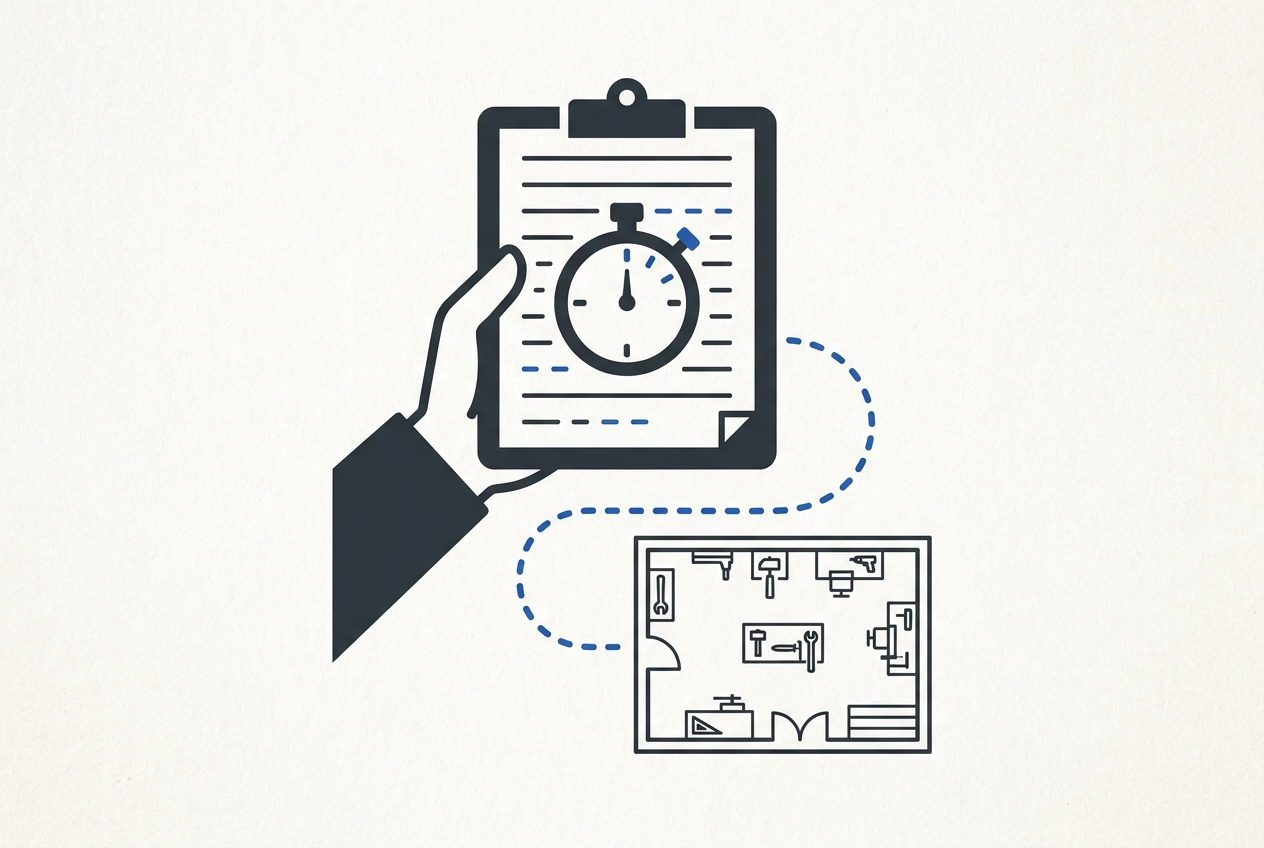
You do not need new software to find wasted steps in your shop. You need a stopwatch, a sheet of paper, and one afternoon. Pick one job, follow it from the first call to the final payment, and write down every step. That simple walk can show you where time, motion, and information get stuck. This kind of process improvement is not about big purchases. It is about seeing what actually happens before you try to fix it.
In this post, you will learn three beginner-friendly ways to spot shop waste: walking one job end to end, timing one repeated task several times, and tallying how often the same details get written by hand. I will also show you how to read each result so you can tell the difference between a real problem and a busy day.
Then we will turn your notes into a short process improvement list and a same-week action plan. We will cover what counts as waste, what to bring, and why you should start with one job, not one purchase. Until you can name your wasted steps out loud, no tool or product has anything useful to point at.
What Counts as Waste: Lean Principles in Plain Talk
The only test: would the customer pay for this step on its own? Lean reference material defines waste as any step that does not add value to the customer. If you would not bill it, it is a candidate. Taiichi Ohno identified seven classic wastes, covering transport, inventory, motion, waiting, overproduction, inappropriate processing, and defects, now commonly recalled with the mnemonic TIMWOOD. Non-utilized talent was added later, so current guides list eight. The office version is closer to your day. Motion waste is searching for files, extra clicks, and re-typing data that already exists. Inventory waste is quotes waiting to go out and customers waiting on a callback. In a trade shop, it is driving back for a forgotten part, re-typing an address from a text into a quote, or waiting at a supply house counter. Until you can say the wasted step out loud, there is nothing to point a fix, a system, or a purchase at. That is why this afternoon comes first.
What You Need Before You Start
Now that you can say waste out loud, the kit is three things you already own and one free afternoon.
A stopwatch, or the timer already on your phone. No app, no subscription, no setup.
A clipboard and a sheet of paper ruled into three columns: the step, who did it, how long it took. Paper beats a screen here because you are walking while you write.
One job you finished recently, ideally one you remember from the first call through the final payment. A job in progress is harder to see whole.
One afternoon, or two half afternoons, on the calendar. This is exactly the kind of task the phone bumps.
Patience for the boring steps. The boring ones usually repeat several times a week, which is where the hours hide.
Zero spend is the point. Free waste walk templates exist if you want a printed form, but a plain sheet does the same job. Starting on paper, even a rough sketch, is a good place to begin with process improvement.
Then you walk one job, first call to final payment.
Method 1: Walk One Job From First Call to Final Payment
With the stopwatch and sheet from What You Need Before You Start in hand, pick one finished job and rebuild it step by step from memory plus the paperwork you still have. One job, not the whole month.
Start at the first call or text and write every step in order until the last payment clears. Do not group steps to save space, because grouping hides the repeats.
A typical small job reads like this: call comes in, address goes on a notepad, you drive out to look, you text a price, they agree, you order material, you schedule the crew, the crew works, you write the invoice, you wait on the check.
For each step, write down who did it and what they touched: phone, paper, text thread, spreadsheet, invoice, bank account. The handoffs between those places are where information gets dropped.
Mark every point where the job stopped moving. Waiting on the customer, waiting on material, waiting on you to write the invoice, waiting on a callback about a price.
Do not fix anything while you are walking. The moment you stop to fix a step, the picture changes and you lose the honest before version.
How to Read Your Job Walk Notes
Your notes are done. Here's how to read them.
Count the handoffs first. Every time information moves between one person or one tool and another, it can be retyped, mistyped, or lost. Re-entering data is a named waste, and handoffs are where it lives.
Circle the steps a customer would never pay for separately: the drive back for a part, the hunt for a job file, the address typed a second and third time.
Split the list into steps that happened once and steps that happened every time. The repeats are where a small change pays off all year.
Find the longest stretch of waiting. In most small shops it sits between the work finishing and the invoice going out, and nothing about that gap is a customer problem. That gap is also a good way to tell if your current setup has this problem.
Forty steps on a small job is not automatically bad. What matters is how many of those forty add nothing the customer is buying.
Method 2: Time One Repeated Task Several Times
Now pick one task you do several times a week: writing a quote, scheduling a crew, ordering material, invoicing, or chasing a payment on a finished job.
Start the clock when you actually begin, not when you sit down meaning to. If digging out the price sheet is how it really goes, that hunt counts as part of the task. Run it five or six times over a few ordinary days, and not on the day you are trying to prove something.
Record interruptions in their own column, honestly. The phone call that split a twenty minute quote into two ten minute sittings still cost you twenty minutes of your day.
Write down whatever you had to go find mid task: last year's price, the current rate sheet, the customer's address, the agreed scope of work.
Keep it on the same sheet as your job walk, so all three methods land on one page of findings instead of three sets of scattered notes. If the shop runs on spreadsheets and texts, here is where to start once the waste has a name.
How to Read Your Timings
The times are on the sheet now, so read them against each other. Five or six runs is enough to spot a pattern. You are looking for the normal range and the outliers, not publishing a study.
Put your fastest run next to your slowest. If a quote usually takes five minutes and once took thirty, that thirty was the exception. If every run drags, the step itself needs rework. If only one run snagged, the interruption was the problem, and interruptions are fixable on their own.
As a worked example, nine minutes twice a week adds up to roughly fifteen hours a year, use your own stopwatch numbers. The point is not the number itself but the habit of calculating it from your own data. Never use an industry benchmark; use the same real history that The Data You Need to Track and When to Track It is built on.
Last, ask of each part: would I bill a customer for it? The parts you wouldn't bill are the ones worth removing.
Method 3: Tally How Often the Same Details Get Written by Hand
Timing showed you where the time goes. Now find where the same facts keep getting retyped.
Pick one detail and follow it: the customer's name and address, or the scope of work. Follow the money too, meaning the agreed price, the hours worked, and the material cost.
Then count every place it lands: notepad, text message, quote, work order, invoice, job cost sheet, calendar, deposit slip. Mark where each entry came from. If the source was another sheet of paper or a text thread instead of the customer, that is double entry.
The lookup counts too. Scrolling a text thread to find an address before typing it on an invoice is double entry with an extra step. This is the same multiple-copies problem that puts a wrong address on a service call.
Repeat the tally across two or three jobs. If the same detail lands in the same four places every time, that is a habit in the process, not a one off busy week.
How to Read Your Double-Entry Tally
The number to watch is copies, not steps. An address written on four documents is four chances to get it wrong and four chances to fix it later.
Line that up against mistakes you already know: a wrong address on a service call, a missing line item, an invoice total that does not match the quote. When the copies pile up on the detail that keeps going wrong, that pattern of compounding copy errors is a signal worth taking seriously.
Every entry that started from another entry is a candidate for deletion first, and only then for automation. Deleting a wasted step beats speeding it up.
Even a short re-entry, multiplied across every job in a year, adds up to real labor hours, time your own to find out how many. None of it is billable.
Keep the tally sheet visible. An owner who sees a detail written by hand six times acts on it faster than one who remembers it as paperwork.
Turn Your Findings Into a Process Improvement List
Now turn that page of notes into something you can act on. Sort every finding into three piles: steps to delete, steps to combine, and steps that need a decision only you can make.
Keep the category separate from the cause. Waiting is a category. Nobody owning the invoice until Friday is the cause. A waste walk should produce evidence, not labels.
Rank by frequency times time, not by how annoying a step felt. For instance, a three-minute task done forty times a week costs two hours, your own numbers will differ. A slow annual task costs you once.
Then pick one item to change, not five. Small shops lose momentum when a findings page turns into a project plan.
Be honest about what the exercise did: it found waste in your process, it did not fix it, and it does not replace how you currently track jobs.
Keep the sheet. It is your before picture, the only fair way to judge whether a change actually helped, and it is what next week's work starts from.
Your Same Week Action Plan
Monday, write the most repeated waste on one line and post it where you work.
Then assign that step to a person by name, not to the office or whoever gets to it. Unassigned steps wait.
Change one thing this week. One entry instead of three. One place the address lives. Invoices written the day the work finishes, not at month's end.
Before Friday, re-walk the same job with the same stopwatch and clipboard and compare the sheets. Look for one fewer handoff or one shorter wait, not a transformation.
If it holds, take the second item next week. If not, you found the real cause, and that was worth the afternoon.
Only after a step is clean does a tool help, and the right one fits how you already work. 1Site2See builds custom systems around client and job tracking, inventory and product tracking, and booking and intake, connecting the tools you already use so information stops being re-entered by hand. For trade contractors, crew&cost handles job costing, bids, invoices, and crew and license tracking, with smart bidding that uses real labor and cost history from your past jobs.
Start With One Job, Not One Purchase
You do not need to buy anything to start. The tools that find waste cost nothing: a stopwatch or the timer on your phone, one sheet of paper, one afternoon, and one job walked from first call to final payment.
Three passes, one findings page. The conversation about systems is worth having, once you can say the waste out loud.
Conclusion
Start this week. One job, one afternoon, one sheet of paper. Name the waste. Then, and only then, ask what a system could do with it. The same process-first logic applies when you do look at software, 1Site2See and crew&cost are built to fit how your shop already works, not the other way around.