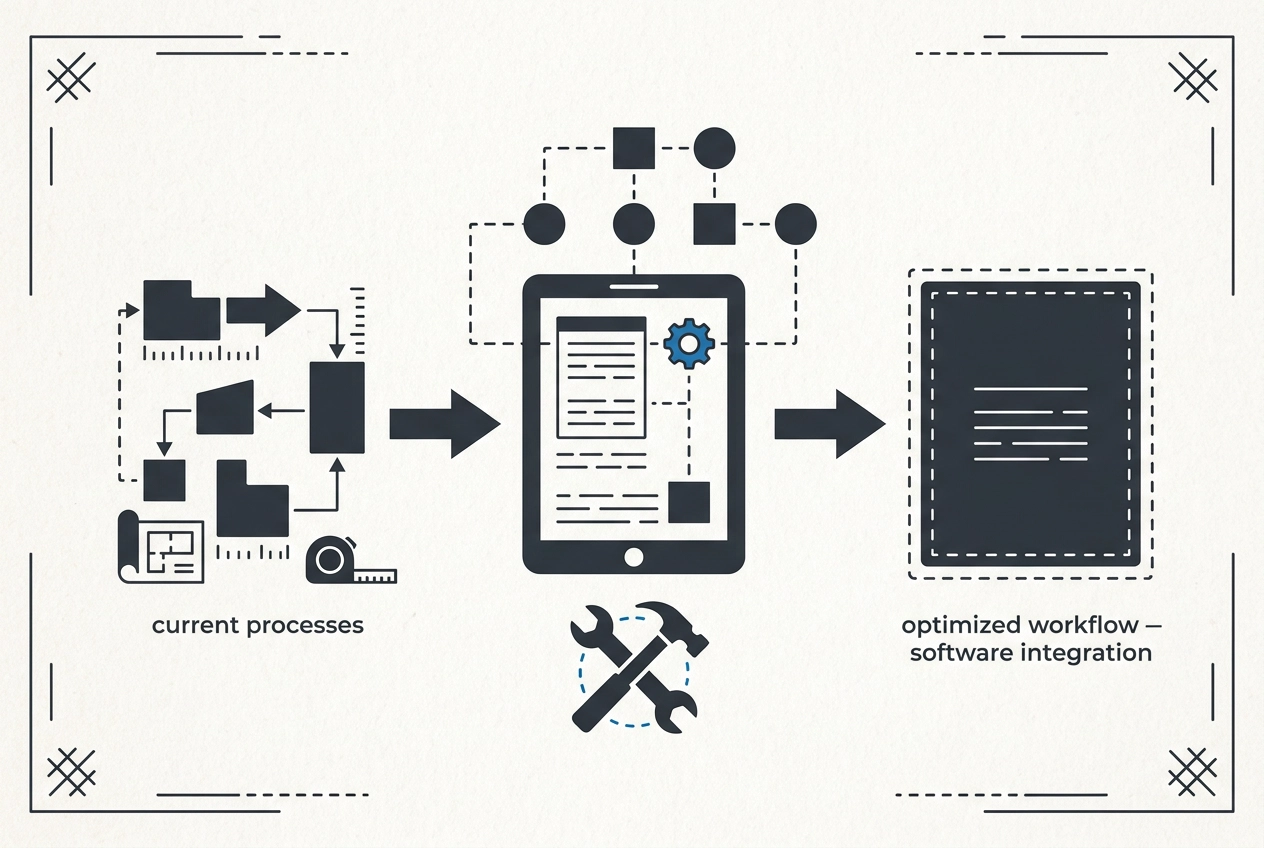
Running a small construction shop means wearing a lot of hats. One minute you're bidding a job, the next you're ordering materials, chasing permits, and answering a client who wants to know why the schedule shifted. Somewhere in all that, the paperwork piles up. That is usually when construction management systems start to sound less like a big-company luxury and more like a practical way to keep your day from running you.
This tutorial breaks down construction management systems for beginners. No jargon overload, no push to buy the biggest tool on the market. You will learn what a construction management system actually is, the four jobs a small construction management system has to do, and the signs your spreadsheet has stopped being enough. Then we will walk one job from first call to final invoice, find where the waste hides in double entry across three places, and talk through fixing the process before adding technology. Finally, you will see what to look for in a system that fits how you already work, plus next steps: count the double entries before you buy.

What a Construction Management System Actually Is
A construction management system is not a product you buy. It is how work moves from first call to final invoice: who writes the estimate, who is on which job, what that job actually cost, and when the bill goes out. Software can hold those answers. It is not the system. The system is the flow.
Search "construction management systems" and you land on guides for someone else: academic and enterprise content written for project managers and graduate students, assuming a PMO and a build big enough to need one. This article is for the other shop: 5 to 25 people, where the owner is also the estimator, the scheduler, and the person chasing invoices at 8 p.m. When the owner is the system, it lives in their head. That works until it does not.
Three terms, plainly. Job costing means what a job actually cost in labor and materials, not what you guessed when you bid it. A bid is what you promised the customer; an estimate is what you tracked while the work ran. A change order is work added after the bid that never got priced, and it is the single most common source of change on projects.
Here is the order of operations for this guide: fix the process first, then add technology. A tool dropped on a broken flow just moves the mess somewhere you can see it faster. Before you shop, read The Data You Need to Track and When to Track It and count what you track from memory.
The Four Jobs a Small Construction Management System Has to Do
If that flow is the system, then here is what a small construction management system has to deliver.
Job one: know the cost of each job while it is still running. Compare actual labor hours to the hours you bid. Compare materials bought to materials estimated. The owner should see a running number on a Wednesday, not find out in March that the job lost money.
Job two: build bids from your own history. Most small shops bid from memory and a gut price per square foot. The smart bidding idea works differently. It uses the real labor and cost history from past jobs to price the next one, so the bid reflects what the crew actually did last time. That is also when it makes sense to look at this kind of system.
Job three: know who is where. That means crew scheduling and license tracking. Know who is licensed for which scope and when a card expires. A license lapse is an expensive surprise, not an administrative detail.
Job four: get invoices out and follow up. An invoice that goes out two weeks late costs cash the business already spent. Intake and follow-up are part of the same loop, not separate chores.
Here is the test. If any one of these four is broken, buying software will not fix it. The fix is a decision about the process, and you can make it before a single dollar goes to a vendor.
Signs Your Spreadsheet Has Stopped Being Enough
Those four jobs are the test. When one starts slipping, the spreadsheet stops being enough. Here is what that looks like in a small shop.
The bid that misses labor. A job comes in 40 hours over estimate, and nobody knows until the labor report arrives weeks later. A spreadsheet cannot warn you mid-job if nobody is entering hours. It only holds what gets typed after the fact.
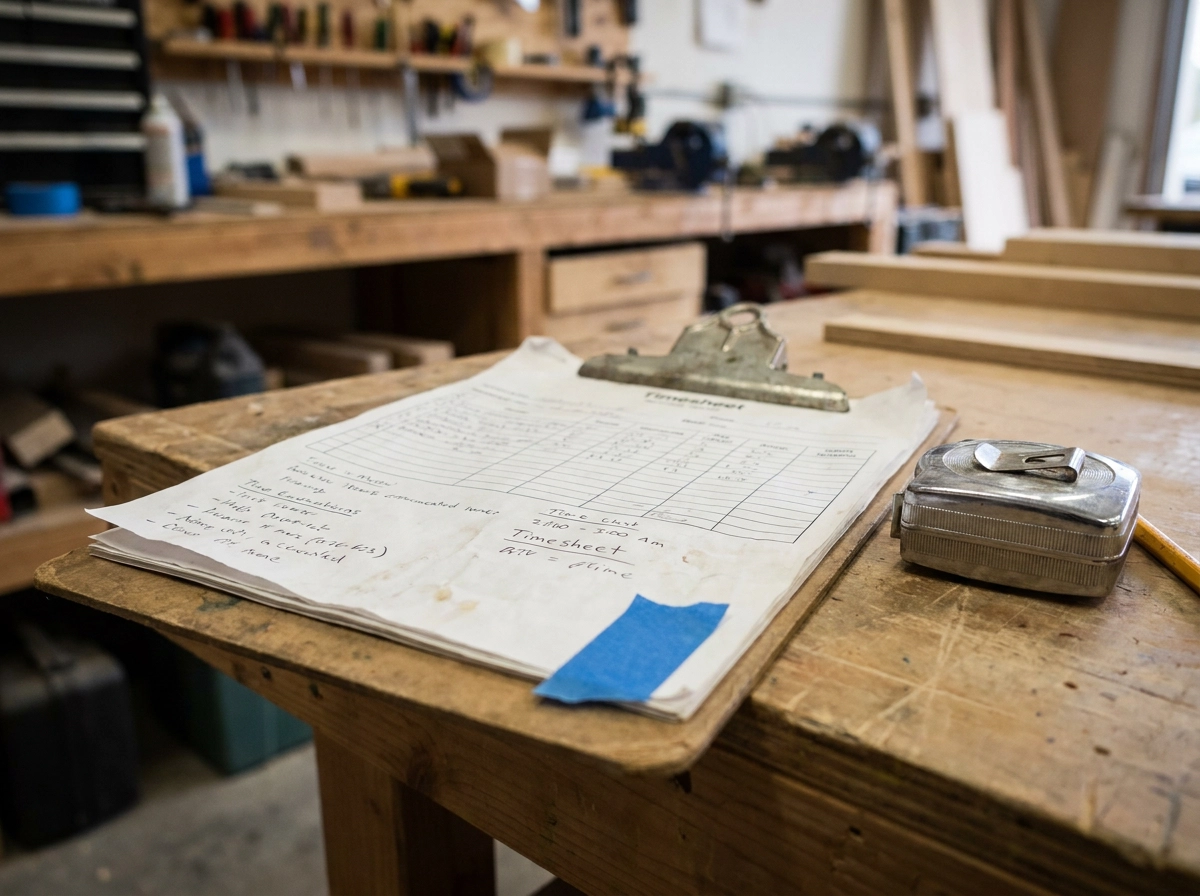
Then the question you should answer fast: did this job make money? If it takes an evening and three files to find out, tracking has already stopped working, even if the spreadsheet looks organized.
Watch for the same number typed more than once. Customer name on the estimate, the job sheet, and the invoice. Hours from a text message, then a paper timesheet, then the invoice. Every retype is a chance to be wrong. That pattern shows up in The Spreadsheet Was Never Built for This.
Scheduling by text message is another sign. Two crews sent to the same address. A sub never told the job moved. A client asking when you are coming, and no one knows for sure.
Finally, license or certification expiry tracked by memory. A spreadsheet can handle 3 jobs a month. At 12, that same sheet starts dropping details. Judge your own volume, not someone else's.
These signs do not mean you need construction management systems tomorrow. They mean the process needs one home before software can help. Next, trace one job from first call to final invoice.
Walkthrough: Follow One Job from First Call to Final Invoice
Now trace one real job. Step 1, intake. The phone rings. A homeowner wants a panel upgrade. You scribble the address on a napkin and promise to call back. The scope lives in a text thread. How they found you? Maybe never written down. By the time you estimate, the address is missing a unit number and the "friend's referral" is gone.
Step 2, estimate and bid. You walk the site, price materials, and send a number. That number now lives in your head, on the napkin, in a text, and in the estimate. Are the labor hours behind the bid written down? Usually not. Count the places.
Step 3, handoff to the field. The bid is won. You tell the crew in the truck. The scope, materials list, and schedule travel by phone call nobody wrote down. If the call changes, the paper doesn't.
Step 4, the job runs. Hours get logged on a timesheet or not at all. Receipts pile up in the console. The customer asks for an extra outlet. That change order never gets priced. You just gave away labor and material.
Step 5, closeout and invoice. The job ends. The invoice gets built from memory plus a stack of paper. Count the days between the last day on site and the invoice date. That gap is where your money sits. Construction management systems should close it. Run a post-job review in under 15 minutes to see what leaked.
Where the Waste Hides: Double Entry in Three Places
Count the places you just typed the same thing twice. That count is where the waste hides.
Customer and Job Details, Entered Three Times
Once when the call comes in. Again on the estimate. Again when the job gets set up. Three chances for a wrong address or a transposed phone number to hide. When the crew shows up at 214 Oak instead of 241 Oak, you find out the expensive way.
Labor Hours Take the Longest Trip
Text to owner. Owner to paper. Paper to a spreadsheet. Spreadsheet to the invoice. Four handoffs, each one shaving off detail: who worked, which job, how many hours. And here is the part that costs you: the hours you need for job costing are the same hours you need to bill. Capture them once and both jobs get done.
Materials and Receipts
Who ties the receipt from the supply house to the job number? If the honest answer is nobody until tax time, your job cost number is a guess. And your next bid gets priced off that guess.
The real cost is not the minutes. It is bids priced off bad history, invoices that go out weeks late, and an owner who cannot take a day off because they are the only one who knows where anything is. Where the Cost Hides: The Handoffs Between Steps is the longer version of that map.
Before you buy anything, pick the handoff that breaks most often. Decide who owns that number from then on. Stop re-entering it.
Fix the Process First, Then Add Technology
Once you have spotted the worst handoff, do not rush to buy software. First, write your current flow on one page. Start at first call. Then estimate. Bid sent. Job set up. Crew assigned. Work done. Invoice out. Follow-up. Seeing those steps in one place is usually when the first real problem jumps out. Maybe two people enter the same address. Maybe nobody logs hours until Friday. Maybe the follow-up call only happens when the owner remembers.
Next, mark steps that produce nothing. Re-copying an estimate into a second form. Retyping a timesheet. Calling three people to find out who is on a job tomorrow. Those are wasted steps, not busy work. They burn time and create errors.
Then decide the one place each piece of information should live. Customer details in one record. Hours in one log. Job cost in one place. A number with two homes will always disagree with itself.
Only after that should you automate. Reminders, follow-ups, and intake are good first candidates. They repeat, and they are easy to check. Never automate a process you have not cleaned up. That is the Lean idea in plain terms: remove the wasted step, make the remaining step repeatable, then let a system hold it. Technology is the last move, not the first. That order is what separates construction management systems that get used from software that gets abandoned. For a deeper look at that mindset, see Fix the Process First. Then Give It a System.
What to Look For in a System That Fits How You Already Work
Once your process is clean, the question changes. You are not shopping for features. You are checking fit. Ask: Can it follow the way we write bids now, or does it force a template? Can we change a field without filing a support ticket? Can a crew member update hours from a phone in under a minute? If the answer is no, keep looking.
Then job costing and bidding. This is where crew&cost fits naturally. It handles job costing, bids, invoices, and crew and license tracking. Its smart bidding feature uses the real labor and cost history from past jobs to inform new bids. No promised results, just the feature as it works.
Connecting tools you already use stops the re-entering. If the estimate, the schedule, and the invoice all pull from the same customer and job record, you have removed the double entry without changing how the work gets done. See Where crew&cost and Custom Builds Fit In for how that looks in practice.
When your business does not fit an off-the-shelf product, a Custom Build configured around how you already work is the alternative. Three plain frameworks: client and job tracking, inventory and product tracking, and booking and intake.
Do not buy for the sake of it. A small shop does not need an enterprise feature set. It needs the four jobs from earlier done reliably, by more than one person, without the owner in the middle of every step.
Next Steps: Count the Double Entries Before You Buy
Fit questions matter, but one move beats all of them. Before you spend a dollar on construction management systems, trace one job from bid to invoice. Every time you type the same number twice, whether that is the customer name, the labor hours, or the material cost, mark it. That count is the size of your problem, and finding it costs you an afternoon. If you are unsure what counts as a copy, How to Spot the Multiple-Copies Problem in Your Own Shop walks through it.
Then fix the single worst handoff. For most shops it is labor hours moving from a text to paper to a spreadsheet, or the estimate getting copied onto a job sheet. Pick one. Give that number one owner and one home, and run your next three jobs that way before you touch anything else.
Only then look at software. If job costing, bidding, crew and license tracking, or invoice flow are still leaking time after the process is clean, crew&cost is the next step. If your business does not fit a product, a Custom Build starts with your process, not a template.
Keep it small. One process fixed well this month beats a software rollout nobody uses by spring.
Conclusion
The shift toward better operational systems isn't about replacing your entire office; it is about eliminating the small, persistent wastes that bleed time and money. A construction management system is not a magic button for perfect operations; it is a tool designed to reliably perform the four key jobs your shop needs to do.
Before you invest in any software, your most powerful tool is your attention. Start by tracing one job from initial contact to final invoice. By counting every instance where the same data is entered multiple times, you find the true scope of your process problem. Then, choose the single worst handoff, perhaps moving hours from a paper log to a spreadsheet, and fix that first.
Focus on strengthening your internal workflow; that foundational process is the prerequisite for successful technology adoption. When your processes are clean, the right software will simply support the gains you have already made. Start tracing your entries today; a few focused steps now will save you countless hours later.